Skip to content

WhatsApp automation for bookings, reminders and lead follow-up

WhatsApp automation sends the messages your team types every day, such as booking confirmations, reminders and first replies to new enquiries, through the official WhatsApp Business Platform. Messages are triggered by your calendar and CRM, customers can confirm or reschedule with a tap, and any conversation that needs a person lands in a shared inbox. We handle the Meta setup, template approval and opt-in rules.

Part ofBusiness process automation
Typical timeline
2–4 weeks
Runs on
WhatsApp Business Platform
Languages
Arabic and English templates
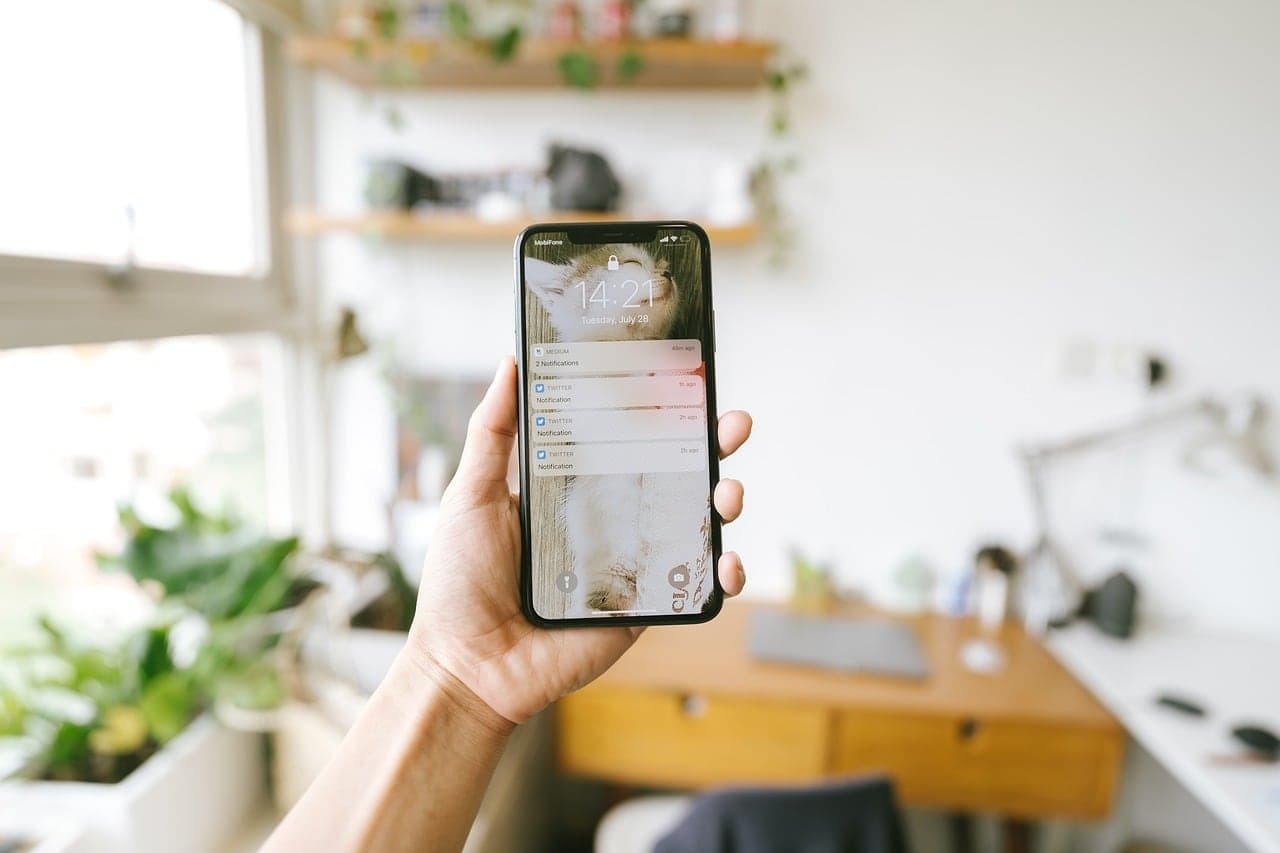
A hand holding a phone with a message open in a bright room

Who it suits

A good fit if

  • Clinics losing chair and room time to no-shows
  • Businesses whose enquiries arrive on WhatsApp at all hours and wait until morning for a reply
  • Teams sharing one WhatsApp Business app on one phone and losing track of who replied

Probably not a fit if

  • Promotional blasts to bought or scraped lists. Meta requires opt-in, and numbers that ignore it get restricted
  • Sending test results, diagnoses or other clinical detail in a message template. That belongs in a secure portal or a call

What we automate on WhatsApp

  • Booking confirmations

    Sent when an appointment is booked, with the date, time, location and a reschedule link that offers real open slots.

  • Reminders

    Reminders at intervals you choose, with buttons to confirm or reschedule. The calendar updates when the customer taps.

  • Lead replies

    New enquiries from ads, your website or a click-to-WhatsApp button get a reply as they arrive, your qualifying questions, and a booked consultation for the ones that fit.

  • Chatbots with human handover

    An AI agent answers routine questions from your approved content and passes the conversation to a person in a shared inbox, with the history attached, when it is unsure or the customer asks.

  • Follow-ups after a visit

    Aftercare instructions, review requests and renewal reminders, sent from the customer record so they stop when they no longer apply.

Built with

  • WhatsApp
  • Twilio
  • 360dialog
  • n8n
  • OpenAI
  • Google Calendar
  • HubSpot

From first call to live

  1. 01

    Set up the account properly

    We verify your business with Meta, register the number on the WhatsApp Business Platform directly or through a provider, and set up the display name.

  2. 02

    Write and submit templates

    We write each message in Arabic and English, choose the right category and submit it to Meta, which reviews every template before it can be sent.

  3. 03

    Connect your calendar and CRM

    Messages are triggered by your booking system, CRM or forms, and replies are written back to the customer record.

  4. 04

    Run it alongside your team

    For the first week the team checks every outgoing message and every handover. Then we switch the manual messages off.

How the WhatsApp Business Platform works

Automated messages have to go through Meta's WhatsApp Business Platform, not the free WhatsApp Business app. You can connect to Meta's Cloud API directly, or through a Business Solution Provider (BSP) such as Twilio or 360dialog, which adds its own dashboard, support and fees. We recommend direct access when you want the lowest running cost, and a BSP when your team wants a ready-made inbox.

Messages you start, such as reminders, must use a template Meta has approved, in one of three categories: marketing, utility or authentication. When a customer messages you, a 24-hour customer service window opens, and inside it you can reply freely. Customers must have opted in to hear from you on WhatsApp, and we record where and when each opt-in happened.


What does WhatsApp automation cost to run?

Since 1 July 2025 Meta charges per delivered template message, at rates set by category and by the recipient's country. Marketing messages cost the most. Utility messages such as reminders cost less, and are free when sent inside an open customer service window. Replies to customers inside that window are free. Meta publishes its current rate card, and we check it when we estimate your costs.

On top of Meta's rates you pay a BSP's fee if you use one, plus hosting for the automation. We estimate the monthly total from your booking and enquiry volumes in the plan, so you see the running cost before we build.

Patient messages and health data

Templates for clinics leave out clinical detail: a reminder gives the time and place of the appointment, not the treatment. Anything more personal goes behind a secure link or into a phone call.

Where we've done this before

Common questions about whatsapp

Usually, yes. A number used in the WhatsApp Business app can be connected to the Business Platform. Depending on the setup, the app either stops working on that number or keeps running alongside it, and how much chat history carries across varies. We check the options for your number before changing anything.